
Android Mobile Client Installation Guide:
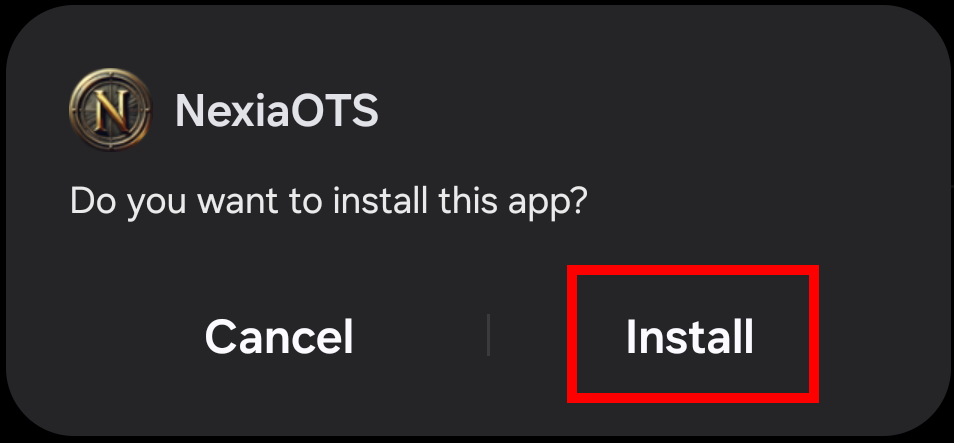
After downloading the client from the website, find NexiaOTS.apk in your downloaded files and tap it.Then tap "Install".
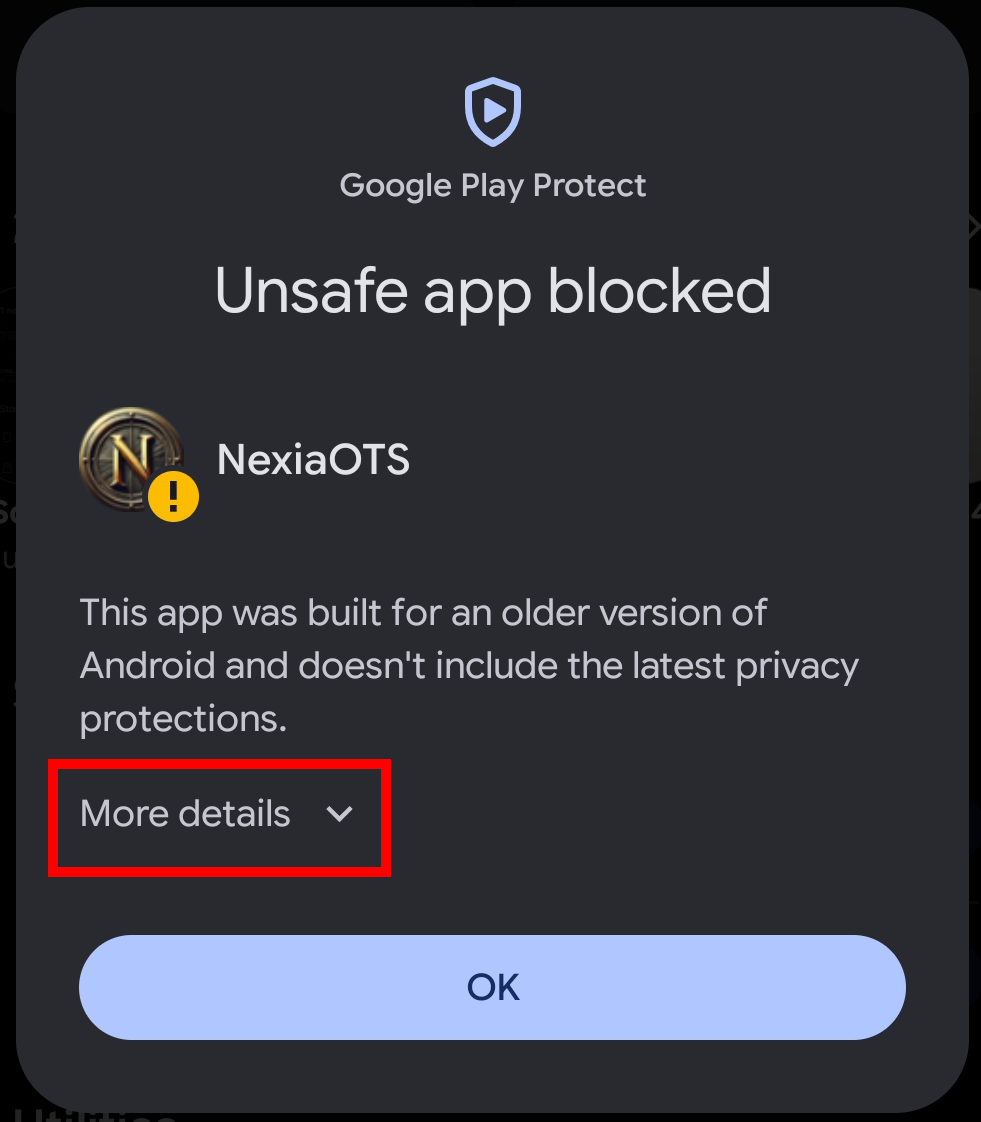
A message will appear: "Unsafe app blocked". Tap "More details" (Do not tap OK).
After expanding the details, tap: "Install anyway" (Do not tap OK).
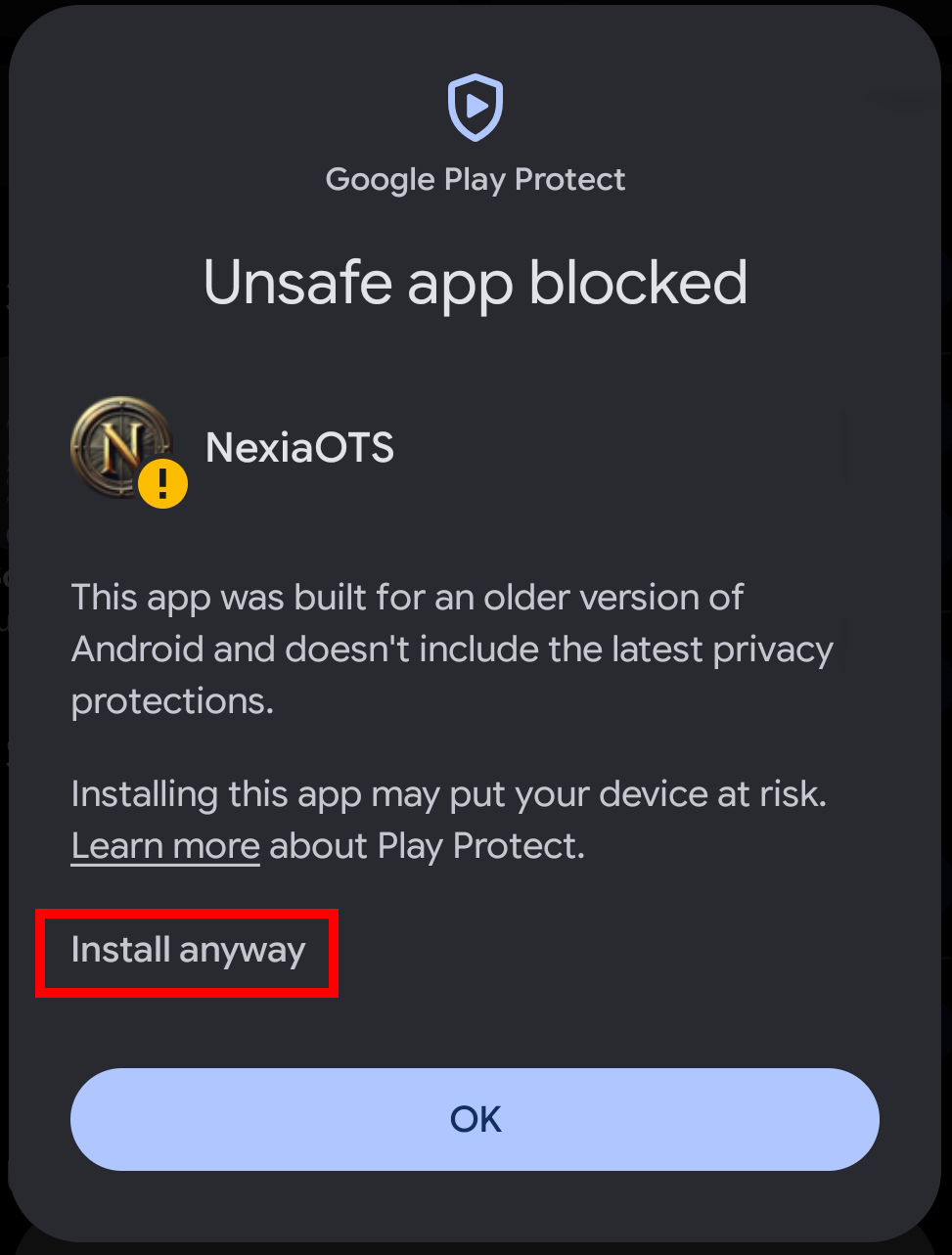
The client will install normally on your phone.
When launching the app for the first time, a message may appear saying that the app is not compatible with the latest Android version. Tap OK.
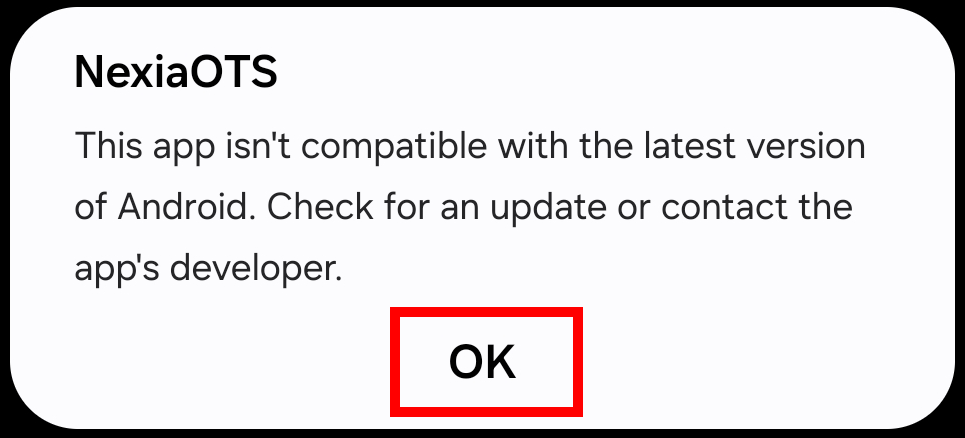
Wait a moment until the client starts instead of the black screen.
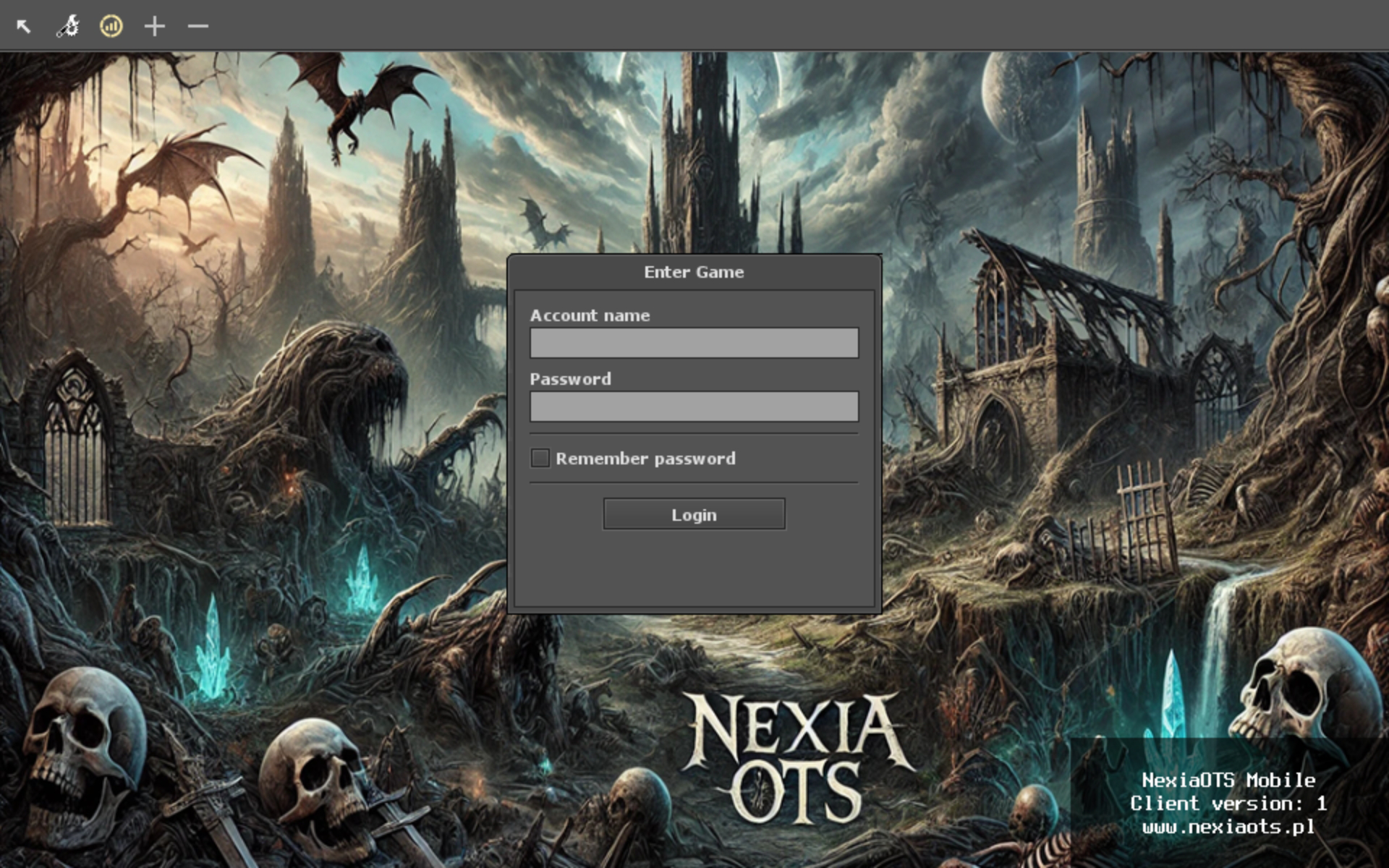
Enter your login and password in the appropriate fields to log in.
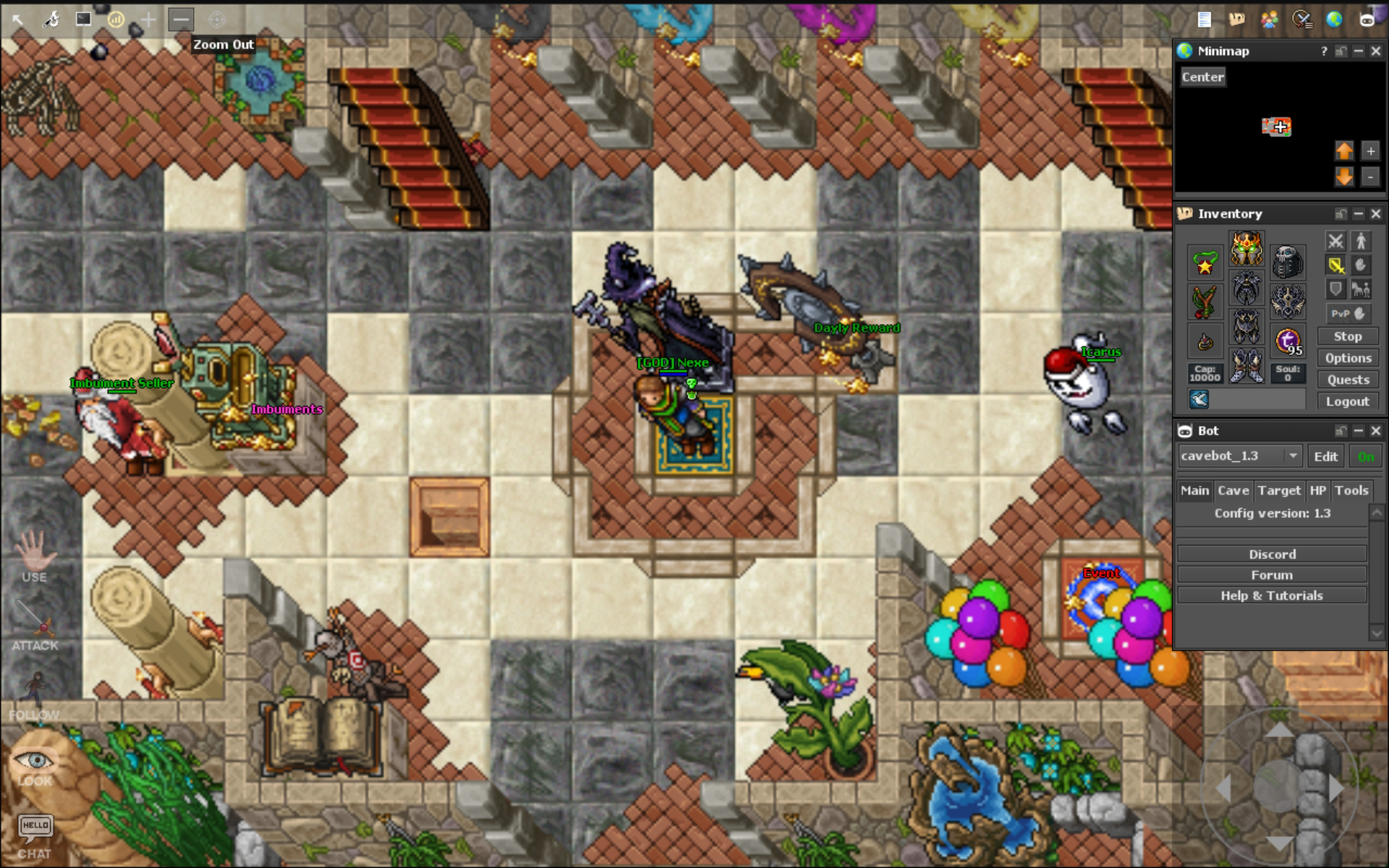
We wish you a pleasant game!
×
![]()

0
Players Online
Players Online
Next Event
SafeZone
08:30
loading...